

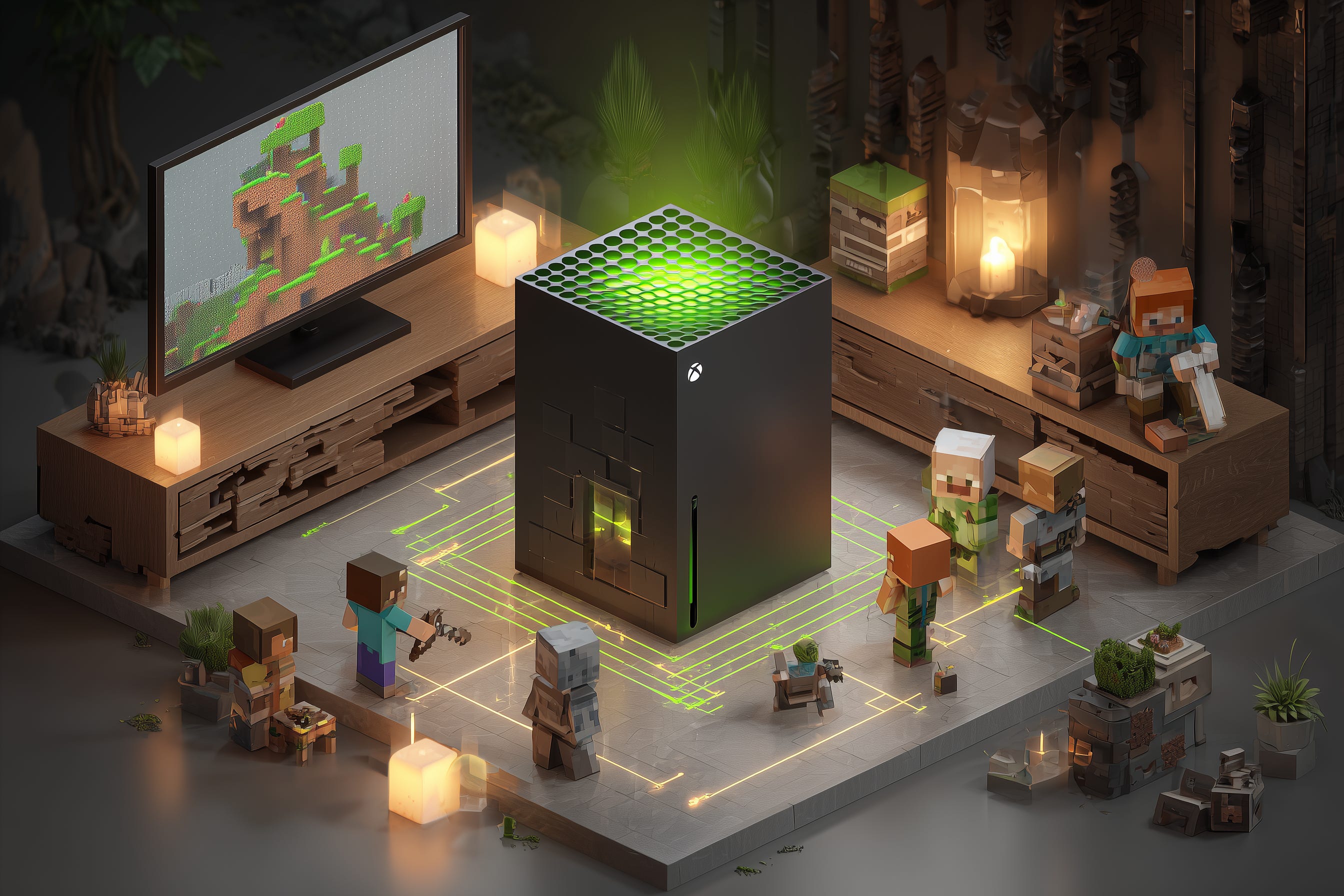
A few weeks ago I bought an NVIDIA GDX Spark so I could learn how to run AI models locally. In the first few days I was able to run Llama 4 and OpenAI OSS, achieving pretty good results at a low cost.
While entirely not conducive to building a billion dollar company, this weekend I decided to repurpose my Spark for something else — a Minecraft server.
I’m not a server guy, but I have a general idea to how things work. It took about four hours of trial and error and talking to my AI in order to write the code, test in and iterate to where my family is now able to play Minecraft without it crashing.
I used local gpt-oss:120b running on my Spark to write a lot of the code, but I also used Grok 4.1 for efficiency.
The most annoying part of local inference is poor access to up-to-date information. When something goes wrong (like a version mismatch on some Python package), local AI relies on its memory and logic, while Grok can quickly query all of the internet and get just the right answer. This will of course improve over time.
That’s it, there is no grand reveal this time. I just wanted to tell you that if your kids want to multiple Minecraft on a local LAN, and they want to use both a Mac laptop and a Nintendo Switch, you can now enable them to do so.
If you want to setup your Spark to run Minecraft, all the details are on Github. You should be able to pull the repository and one-click install and be ready to play.
👉 https://github.com/kirillzubovsky/nvidia-spark-minecraft-server
That’s it for today. Ask me questions if you have any.
Have an epic week ahead!
-Kirill.
If you want to follow along, you can:
- YouTube (playlist)
- X Nvidia GDX Spark (community)